
How to Play and Bet at Casiny in Australia

Casiny gives Australian players one account for sports betting and casino gaming. Place a bet on Casiny across AFL, NRL, cricket, tennis and football, then switch to Live Betting for continuously updated odds while matches are underway. The casino side covers pokies, crash games such as Aviator, and live dealer tables hosted by professional croupiers. Every session runs alongside responsible gaming tools, including deposit limits and self-exclusion. New players can register in minutes and place a first wager the same day.
How to Bet on Casiny: A Step-by-Step Guide
Learning how to place a bet on Casiny takes five steps, from your first login to bet confirmation.
- Log in to your Casiny account. Open the Casiny homepage and click Log In in the top right corner. Enter your email and password to reach the sportsbook dashboard.
- Choose your sport and event. Select a sport such as AFL, NRL, football or tennis from the sports menu. Pick a fixture from the list of upcoming or live matches.
- Review the odds and market. Open the match page to see markets like Match Winner, Handicap and Totals. Check the odds next to each selection before deciding.
- Add the selection to your bet slip. Click the odds for your chosen outcome. The selection loads into the bet slip on the right side of the screen.
- Enter your stake and confirm. Type your stake amount into the bet slip, then click Place Bet. Track the result under the Open Bets tab.
How to Play Casino Games at Casiny
Casino gameplay on Casiny opens straight from the browser or app, no download required for instant play titles.
Step 1: Log in and open the Casino lobby
Click Log In, then select the Casino tab from the main menu. The lobby sorts titles into Pokies, Live Casino, Crash Games and Table Games.
Step 2: Pick a game category
Browse by category or use the search bar to find a specific title such as Aviator.
Step 3: Open the game window
Click the game tile to launch it in demo mode or straight into play using your account balance.
Step 4: Fund your account for stake play
Click Deposit in the Cashier to add balance, then choose a payment method.
Step 5: Set your stake and start the round
Adjust the bet amount inside the game window, then click Spin, Bet or Deal.
How to Register a Casiny Account
Registration on Casiny takes under three minutes and only needs a few personal details to get started.
- Click Sign Up on the Casiny homepage. The button sits in the top right corner of the screen, next to Log In.
- Enter your email and set a password. Fill in your email address and create a password of at least 8 characters.
- Confirm your country and currency. Select Australia as your country and AUD as your preferred currency for deposits and withdrawals.
- Verify your email address. Open the confirmation email sent by Casiny and click the verification link to activate your account.
- Accept the terms and complete sign-up. Tick the box confirming you are 18 or older and agree to the terms, then click Create Account.
Verifying Your Casiny Account
Account verification confirms your identity and keeps your Casiny account secure before your first withdrawal. Passing KYC checks is mandatory, and every document goes through manual review to protect your data and prevent fraud.
Step 1: Open the Verification section
Go to Account Settings and select Verification from the menu.
Step 2: Upload a photo ID
Submit a clear photo of your passport or driver’s licence, showing your full name and date of birth.
Step 3: Upload proof of address
Add a recent utility bill or bank statement dated within the last 3 months.
Step 4: Submit documents for review
Click Submit once all files are uploaded. Our compliance team reviews each document by hand.
Step 5: Receive verification confirmation
Check your email or account notifications for approval, usually within 24 to 48 hours.
How to Deposit Funds at Casiny
Your Casiny account can be funded through several payment options built for Australian players, including cards and cryptocurrency. Deposits usually reflect in your balance within minutes.
- Log in and open the Cashier, then click Deposit.
- Choose a payment method from Visa, Mastercard, Bitcoin, Ethereum, Tether or Skrill.
- Enter your deposit amount in AUD, respecting the minimum for your chosen method.
- Confirm the transaction through your bank app or crypto wallet.
- Check your balance once the funds land in your Casiny wallet.

How to Withdraw Winnings from Casiny
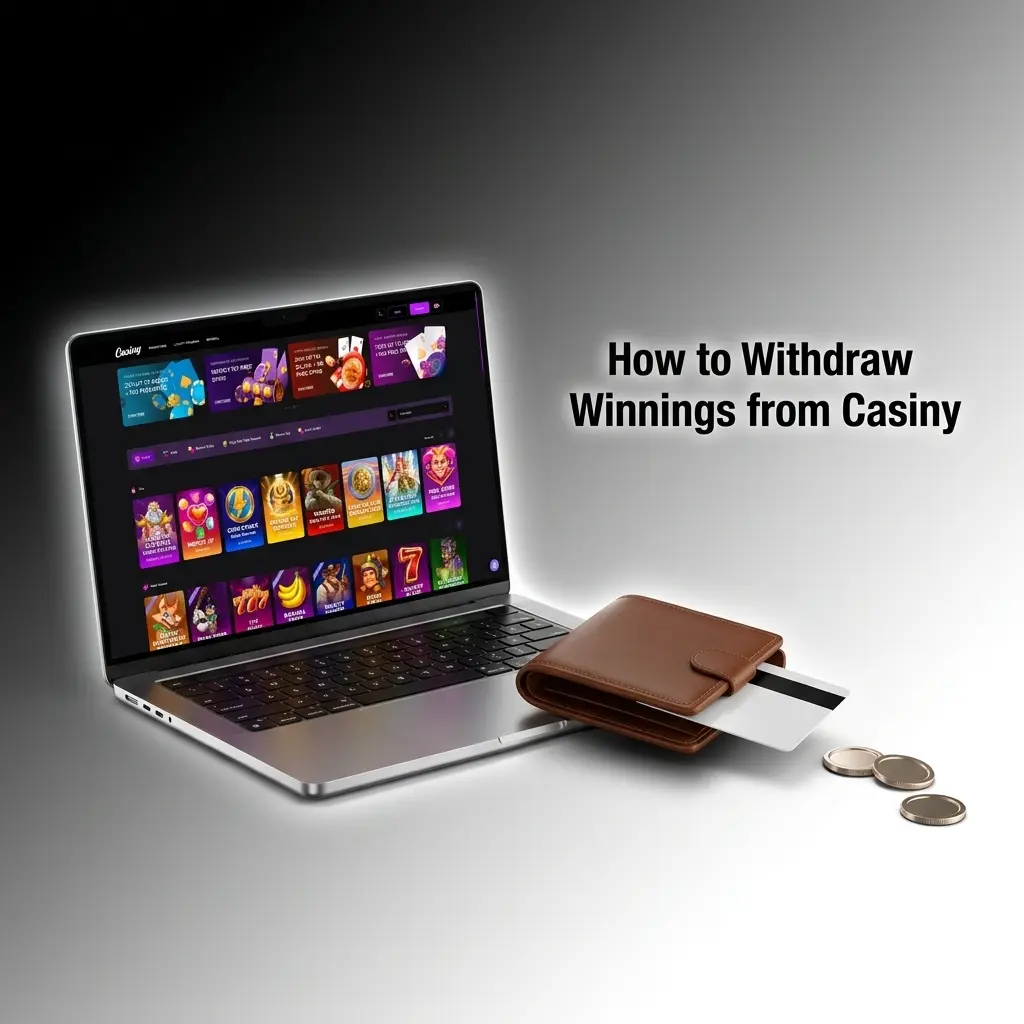
Cash outs from Casiny run through the same Cashier menu used for deposits. Account verification is mandatory before your first withdrawal, and every transaction status stays visible in your account.
- Complete account verification if you haven’t already.
- Open the Cashier and select Withdraw.
- Choose your withdrawal method, matching your original deposit method where possible.
- Enter the amount and confirm the request.
- Track the status under Transaction History until the funds clear.
Types of Bets Available at Casiny

Casiny offers several bet structures on every sport in the lineup. Each type suits a different approach to staking and risk.
- Single: one bet on one outcome; the payout equals stake multiplied by the odds; a 20 AUD single at odds of 2.50 returns 50 AUD.
- System: a group of selections combined into multiple smaller combinations; a System 2/3 turns 3 selections into 3 separate doubles, so 2 correct picks out of 3 still return a payout.
- Express: all selections combined into one bet with multiplied odds; every leg must win for the bet to pay out, and the potential return is higher than a single.
Main Betting Outcomes at Casiny

Outcome markets on Casiny span football, basketball, tennis and cricket. Each market sets its own rule for how a bet wins or loses.
Match Outcome (1X2)
This market covers the result of a match within regulation time. Odds appear under three options: 1 for a home win, X for a draw, 2 for an away win. Example: Sydney FC at 1.80, Draw at 3.40, Melbourne Victory at 4.20. A bet on 1 pays out only if Sydney FC wins the match outright.
Handicap Betting
Handicap markets add a points or goals advantage before the match starts. A -1.5 handicap on the favourite needs a winning margin of 2 or more for the bet to pay out. Example: Team A -1.5 against Team B +1.5. If Team A wins 3-1, the -1.5 bet wins because the margin covers the deficit.
Totals (Over/Under)
Totals markets focus on the combined score of both teams instead of the winner. Casiny sets a line, such as Over/Under 2.5 goals in football. A bet on Over 2.5 wins with 3 or more combined goals; a bet on Under 2.5 wins with 2 or fewer.
Both Teams to Score
This market asks if both sides find the net during the match. A Yes bet wins if the final score shows at least 1 goal for each team, such as 2-1 or 1-1. A No bet wins on any result where one side fails to score, such as 3-0.
FAQ
What is the minimum deposit on Casiny?
Minimum deposits depend on the payment method, typically starting around 10 AUD for card payments and slightly higher for some cryptocurrency options.
Can I cancel a bet after placing it on Casiny?
Once a bet is confirmed, it cannot be cancelled. Check your selections and stake in the bet slip before clicking Place Bet.
Does Casiny offer a welcome bonus for new players?
New Australian players can view current welcome offers on the Promotions page after registration, with terms shown before opt-in.
Is there a Casiny app for mobile betting?
Casiny runs directly through the mobile browser, and a dedicated app is available for download from the platform’s mobile page.
Does Casiny support cash out on live bets?
Cash Out appears on eligible live and pre-match bets, letting you settle a wager before the event finishes for a value shown on screen.